Real-time Telemetry
CPU usage (%) and GPU temperature (°C) updated every second via a native C++ engine.
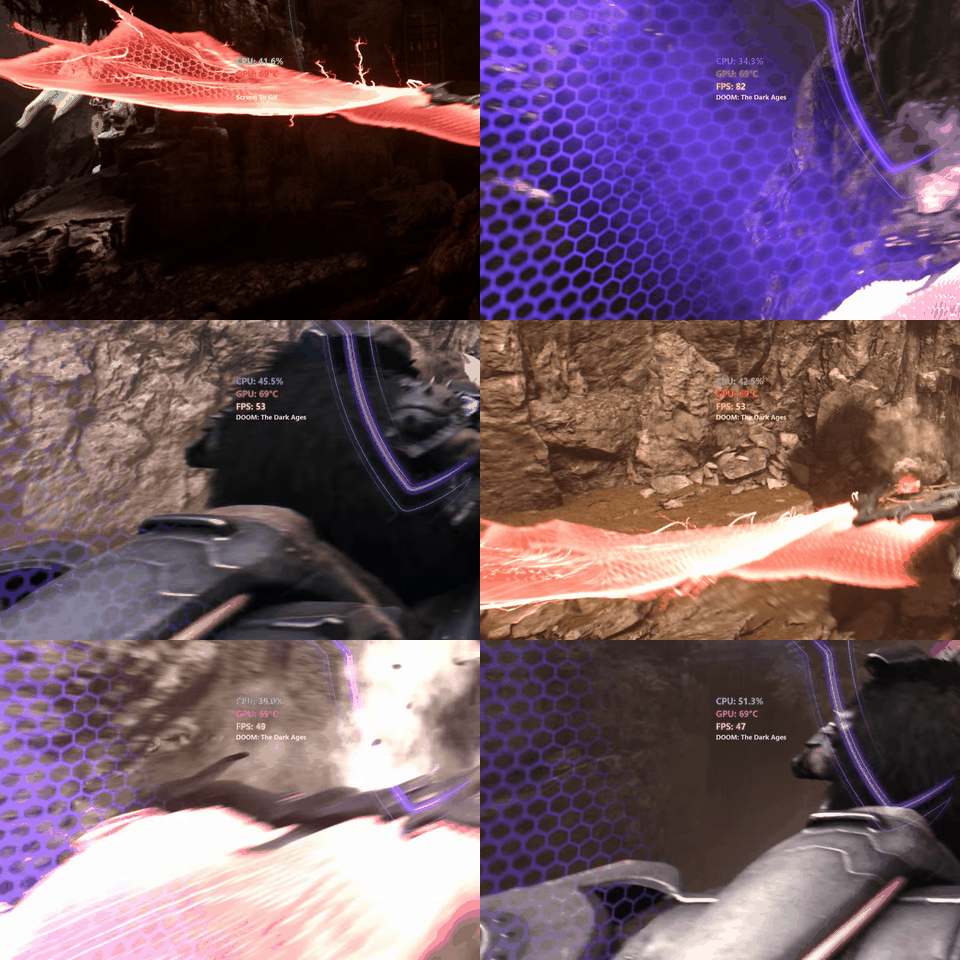
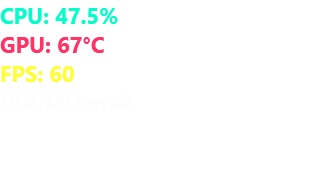
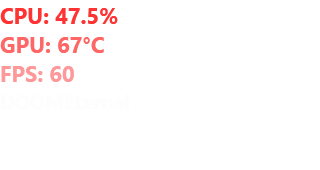
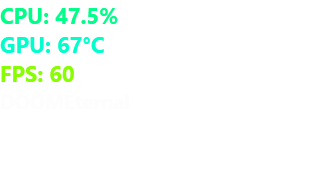
Real-time CPU, GPU temperature, and FPS directly on your screen — even inside fullscreen games.
Everything you need to monitor your system while gaming — no license required.
CPU usage (%) and GPU temperature (°C) updated every second via a native C++ engine.
Uses Windows ETW (PresentMon) to display FPS when a known game is in the foreground.
Automatically detects 100+ popular games and shows the game name above metrics.
Overlay stays above fullscreen games and applications — never hidden.
Overlay ignores mouse input so it never steals focus from your game.
Compact 340×45 bar showing just FPS — toggle with double-click or tray menu.
Overlay fades out when you're not in a game — no clutter on the desktop.
5 free themes, 4 font sizes, multi-monitor support, launch on startup.
.NET 9 single-file build — no runtime installation required.
One-time purchase for the current major version. License key tied to your machine with 7-day offline grace period.
Lightware Monitor running over a game — real-time CPU, GPU temperature, FPS, and game name.
| Requirement | Details |
|---|---|
| OS | Windows 10 (1809+) or Windows 11 |
| Architecture | x64 |
| Dependencies | None (self-contained .NET 9) |
| Admin Rights | Not required |
Download the latest release from GitHub.
Runs entirely locally. No telemetry, no analytics, no network requests — except license activation via Paddle when a premium key is entered.
Public releases and issue tracking on GitHub. Source code in a private repository for security.
For issues or questions: GitHub Issues or email universalfactor.apps@outlook.com.